
How to Create an Investor Pitch Deck Using Templates
Use templates to build an investor pitch deck faster: the slides investors expect, how to customise a template and how to present your numbers.
Table of Contents
Investors see many decks. A clear, well-designed presentation helps yours get read and remembered. Using a template lets you focus on the story and numbers instead of formatting.
1. Choose the right template
Look for a clean, modern template with title, content, chart and team slides, editable colours and 16:9 format. The Business Presentation Template is a solid starting point.
2. The slides investors expect
- Cover and one-line pitch
- Problem
- Solution and product
- Market size and target customers
- Business model
- Traction and key metrics
- Competition and advantage
- Go-to-market plan
- Team
- Financial summary and the ask
3. Customise the template to your brand
- Replace colours and fonts with your brand system.
- Add your logo to the cover and closing slide.
- Delete layouts you do not need.
- Keep the same layout style from slide to slide.
4. Show your product visually
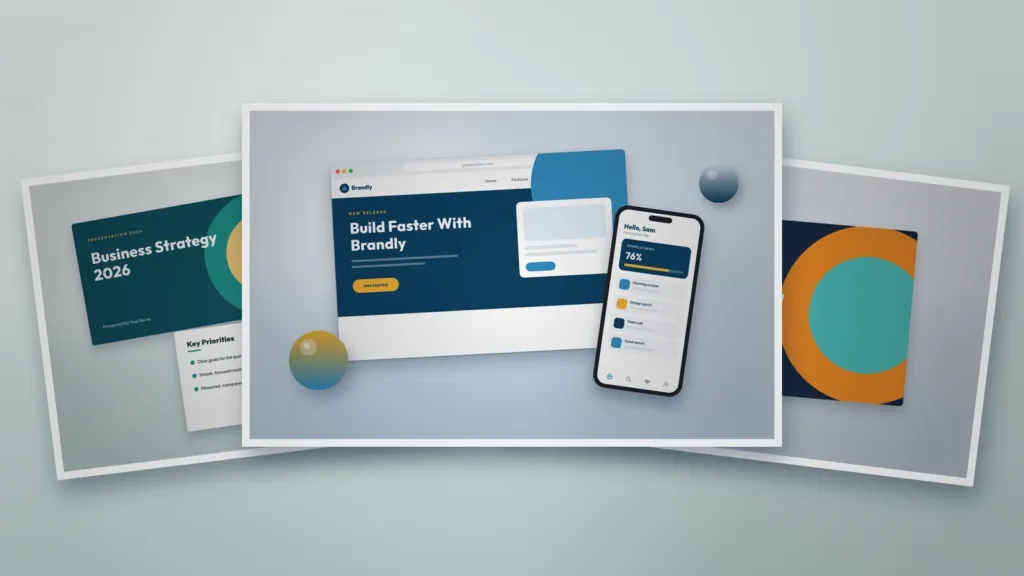
Screenshots on devices make a product feel real. A 3D Device Scene lets you present your app or website in a polished way.
5. Present traction and financials clearly
Use one chart per slide with a clear headline such as “Monthly revenue up 3x in 12 months”. Keep detailed financial models in an appendix or a separate file.
6. Open strong and close clearly
A bold cover slide sets the tone. End with a summary of the opportunity and your ask, plus contact details.
7. Before you send it
- Check every number and source.
- Export a compressed PDF for email.
- Ask someone outside your company to read it in five minutes and tell you the main message.
Templates for this article
View all


About the Author
Templateza TeamWe share practical tips, design guides and resources to help you create professional templates for business, print and digital use.