
PowerPoint vs Canva: Which Is Better for Business Presentations?
PowerPoint and Canva both make great presentations, but they suit different needs. We compare design, collaboration, data, offline use and sharing.
Both PowerPoint and Canva can produce professional business presentations. The right choice depends on your team, your content and how you will present.
1. Where PowerPoint shines
- Industry standard: most companies and clients can open PowerPoint files.
- Data and charts: strong chart tools and close integration with spreadsheets.
- Master slides: powerful layout control for long, consistent decks.
- Offline use: the desktop app works without an internet connection.
- Presenter tools: speaker notes and presenter view.
2. Where Canva shines
- Ease of use: drag-and-drop editing that is quick to learn.
- Visual assets: built-in graphics, photos and design elements.
- Collaboration: simple real-time editing and commenting in the browser.
- Multi-format design: easy to turn slides into social posts or documents.
3. Things to consider
- Will clients need to edit your file? PowerPoint is usually safer.
- Is the deck heavy on data? PowerPoint’s charts are hard to beat.
- Is speed and visual polish the priority for a small team? Canva can be faster.
- Do you present offline or on client computers? Test your file in advance.
4. Our recommendation
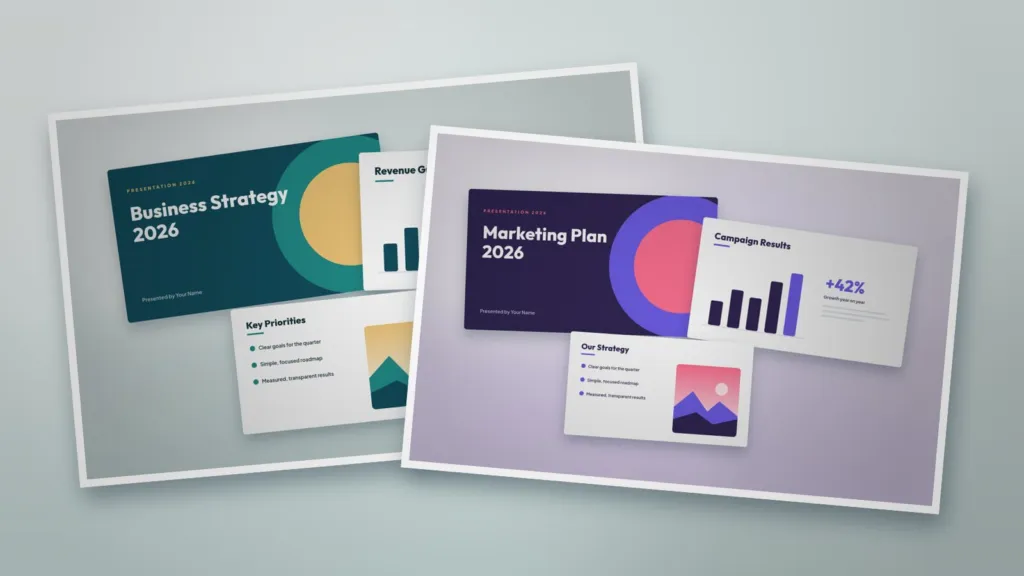
Use PowerPoint for formal business reports, client decks and data-rich presentations. Use Canva for quick visual presentations, social content and team collaboration. Whichever you choose, start from a strong template with consistent layouts, such as our Business Presentation Template or Marketing Presentation Template, and apply your brand colours and fonts.
Browse more in Presentation & Education.
Templates for this article
View all



About the Author
Templateza TeamWe share practical tips, design guides and resources to help you create professional templates for business, print and digital use.