
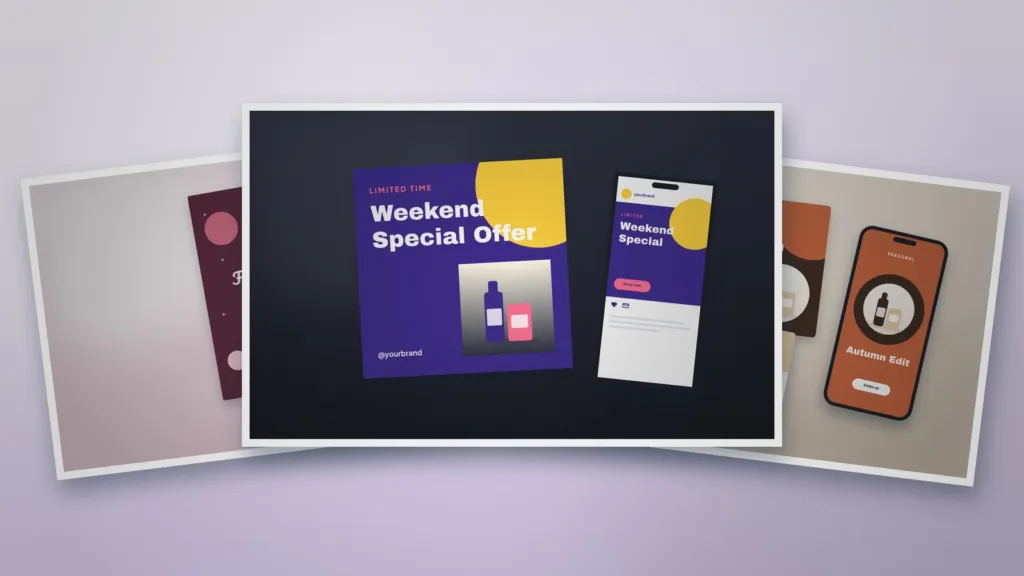
How to Create Professional Christmas Social Media Posts
Create Christmas social media posts that feel festive and still look professional, with ideas for offers, greetings, countdowns and behind-the-scenes content.
Table of Contents
Christmas is a chance to connect with your audience in a warmer, more personal way. The challenge is staying festive without losing the professional look of your brand.
1. Set your festive style guide
Choose one or two seasonal accent colours to add to your normal palette, a few festive elements such as stars, snowflakes or confetti, and keep your usual fonts and logo. Use the same style across every post.
2. Christmas content ideas
- Gift guides: curated product picks by price or recipient.
- Countdowns: days left to order for delivery before Christmas.
- Offers: limited-time discounts or bundles.
- Behind the scenes: packing orders or decorating the office.
- Greetings: a warm thank-you to customers.
- Opening hours: clear holiday schedules.
3. Design tips for professional festive posts
- Keep text short and readable on a phone.
- Use high-quality product photos with festive props.
- Leave space around headlines so posts feel premium.
- Add your logo or handle in the same position every time.
Starting from a ready-made layout such as our Static Promotional Social Media Post keeps offers clear and consistent.
4. Plan a full December campaign
Map out posts from early December to New Year: launch your gift guide, run offers, post shipping deadlines, share greetings and close with a thank-you. The Seasonal Marketing Campaign Kit provides matching posts, stories and a poster.
5. Send a festive greeting
A simple greeting builds goodwill. Use a card design like the Festival Greeting Card Template for a social post, email header or printed card.
6. Measure and learn
Track which posts get the most saves, shares and clicks, and note what to repeat next year.
Templates for this article
View all


About the Author
Templateza TeamWe share practical tips, design guides and resources to help you create professional templates for business, print and digital use.