
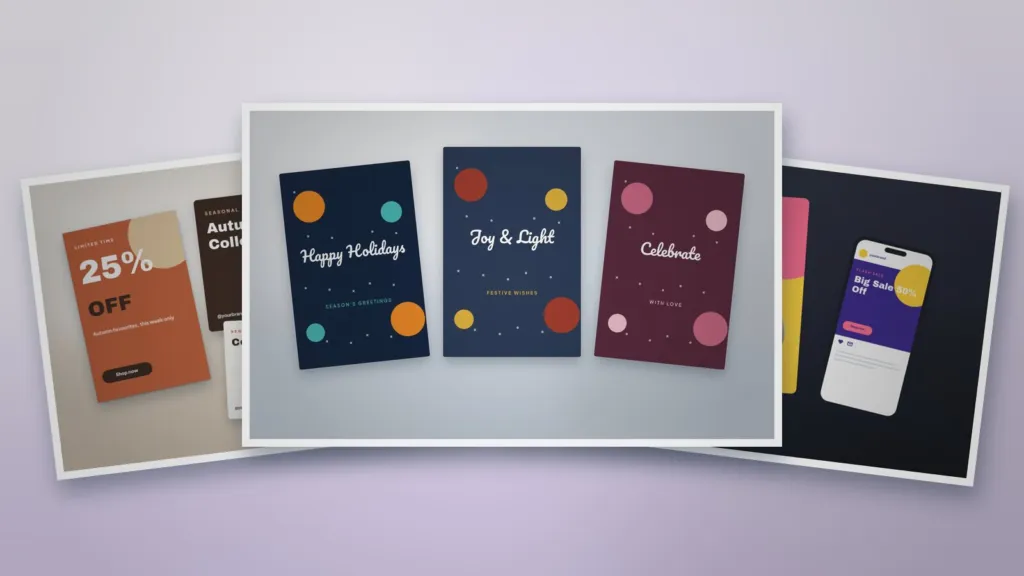
How to Design Holiday Promotion Posts for Your Business
Plan, design and schedule holiday promotion posts that stand out in busy feeds, with practical tips on offers, visuals, copy and timing.
Table of Contents
The holiday season is one of the busiest times on social media. Customers are ready to buy, but feeds are crowded. Well-designed promotion posts help your offer stand out and make it easy for people to act.
1. Plan your offer first
Decide what you are promoting before you design: a discount, a bundle, free delivery or a gift with purchase. Set clear start and end dates so you can build urgency.
2. Choose a festive but on-brand style
Add seasonal touches such as warm colours, confetti or simple illustrations, but keep your logo, fonts and core colours. Customers should still recognise your brand instantly.
3. Make the offer the hero
- Use a large, bold headline for the discount or main benefit.
- Show the product or a lifestyle image.
- Add one clear call to action such as “Shop now” or “Book today”.
Our Sale Announcement Graphic is built around this simple, high-impact structure.
4. Create a series, not a single post
Plan a sequence: a teaser, the launch post, reminders, a last-chance post and a thank-you message. A matching set like the Seasonal Marketing Campaign Kit keeps every post consistent.
5. Resize for every platform
Prepare square posts for the feed, vertical versions for stories and reels, and a wide banner for your website or email header.
6. Write short, clear copy
Lead with the benefit, include the deadline and finish with a call to action. Keep hashtags relevant and few.
7. Schedule and track
Schedule posts in advance so they go live even on your busiest days, then track clicks and sales to see which message worked best.
8. Do not forget greetings
Not every post needs to sell. Seasonal greetings build goodwill, and a festive card design such as our Festival Greeting Card Collection works for both social posts and printed cards.
Templates for this article
View all


About the Author
Templateza TeamWe share practical tips, design guides and resources to help you create professional templates for business, print and digital use.