
Best Excel Sales Tracker Templates for Small Businesses in 2027
What a good Excel sales tracker should include in 2027, the different types small businesses use, and how to turn sales data into clear dashboards.
Table of Contents
A sales tracker shows what is selling, who is buying and whether you are on target. For small businesses, a well-structured Excel tracker is often all you need.
1. What every sales tracker should include
- Date, customer, product or service, quantity, price and total
- Sales channel, such as online, in store or wholesale
- Payment status
- Monthly and yearly totals
- Targets and progress
2. Types of sales trackers
Daily sales log
Records every transaction. Simple and essential for shops and online sellers.
Monthly sales summary
Uses SUMIFS to total sales by month, product and channel, with a chart to show trends.
Sales pipeline tracker
For service businesses: tracks leads, quotes, follow-ups and won or lost deals.
Product performance tracker
Shows revenue, units and margin per product so you can focus on best sellers.
Sales rep tracker
Tracks results by team member against individual targets.
3. Turn data into a dashboard
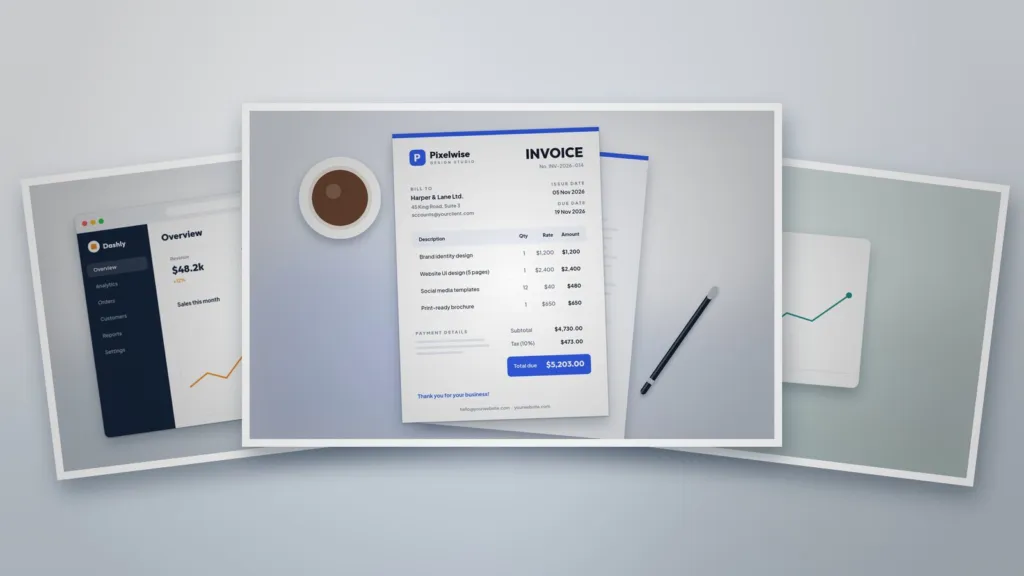
Put your key numbers on one sheet: revenue this month, growth versus last month, top products and a trend chart. For layout ideas, see our Full Dashboard Design and the clean Dashboard Widget.
4. Tips for accurate tracking
- Use Excel tables and drop-down lists.
- Enter sales daily or weekly, not monthly.
- Reconcile with your payment records.
- Back up your file regularly.
5. Get paid for every sale
Tracking sales is only useful if invoices go out on time. A branded Professional Invoice Template keeps billing quick and consistent.
Templates for this article
View all


About the Author
Templateza TeamWe share practical tips, design guides and resources to help you create professional templates for business, print and digital use.