
How to Build a Brand Identity Using Editable Templates
Build a consistent brand identity step by step with editable templates: logo, colours, typography, guidelines and branded documents.
Table of Contents
A brand identity is more than a logo. It is the consistent look and feel that makes customers recognise and trust you everywhere they see you. Editable templates make it possible to build a professional identity quickly, even without a large design budget.
1. Step 1: Define your brand
Write down who you serve, what you offer and three words that describe your personality, such as friendly, premium or bold. These guide every design choice.
2. Step 2: Create your logo
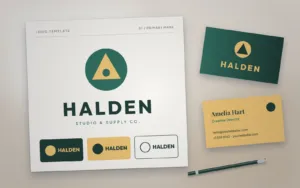
Start from an editable logo template, change the name and icon, and create a few variations: full colour, one colour, dark background and icon only. See our Minimal Logo Design Template.
3. Step 3: Choose colours and typography
Pick one primary colour, one or two supporting colours and a neutral. Choose a heading font and a body font that are easy to read. Keep the system simple so it is easy to apply.
4. Step 4: Put it all on a brand board
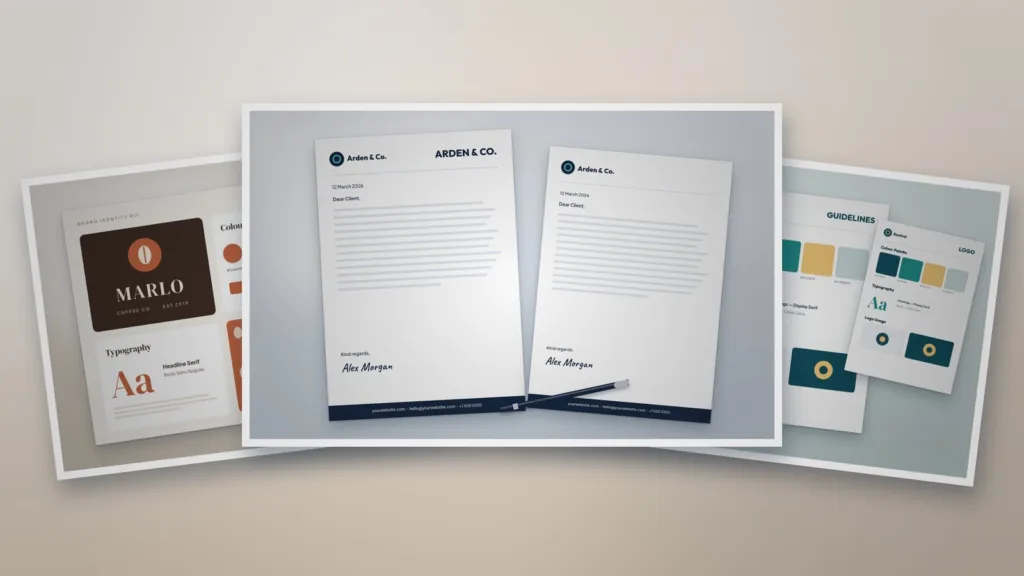
A brand board shows your logo, palette, fonts and patterns on one page. The Complete Brand Identity Kit includes a ready-made board and examples on cards and packaging.
5. Step 5: Write simple brand guidelines
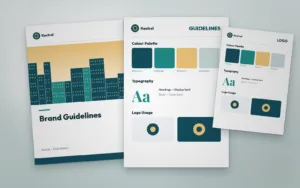
Guidelines explain how to use your brand correctly: logo spacing, colour codes and font rules. A Mini Brand Guidelines Template covers the essentials in a few pages.
6. Step 6: Apply it everywhere
- Stationery such as a letterhead, business cards and envelopes
- Invoices, quotations and proposals
- Social media posts and profile pictures
- Website, email and packaging
7. Keep it consistent
Store your logo files, colours and templates in one shared folder and use them for every new design. Consistency is what turns a set of designs into a brand. Explore more in Branding & Identity.
Templates for this article
View all

About the Author
Templateza TeamWe share practical tips, design guides and resources to help you create professional templates for business, print and digital use.