
How to Choose the Right File Format for Print-on-Demand
PNG, SVG, PDF or PSD? Learn which file formats print-on-demand platforms usually need, and how to prepare files that print sharp every time.
Table of Contents
Uploading the wrong file is one of the most common reasons print-on-demand products look disappointing. The right format depends on how the product is printed and what the platform accepts.
1. PNG: the everyday choice
PNG is the format most print-on-demand platforms ask for. It supports transparent backgrounds, so only your design prints, not a white box. Export at the platform’s recommended size, usually at 300 DPI at print size.
2. SVG and other vector formats
Vector files such as SVG, AI or EPS are made of paths, so they scale to any size without losing quality. They are ideal for logos, text and flat graphics, and are often preferred for screen printing and embroidery. Some platforms accept SVG directly, others need a PNG exported from your vector file.
3. PDF
PDF can contain vector artwork and is common for printed paper products and some printers. Check whether your printer prefers PDF with outlined text.
4. PSD and layered files
Layered files are best kept as your working master. Edit in PSD or AI, then export the flat PNG or PDF the platform needs.
5. JPG: use with care
JPG does not support transparency and compresses detail, so it is rarely the best choice for apparel prints. It is fine for mockup images and listing photos.
6. Quick checklist before uploading
- Correct pixel size for the print area
- 300 DPI at print size
- Transparent background with clean edges
- RGB or CMYK as requested by the platform
- Text converted to outlines in vector files
- Design checked on a mockup
7. Start with print-ready files
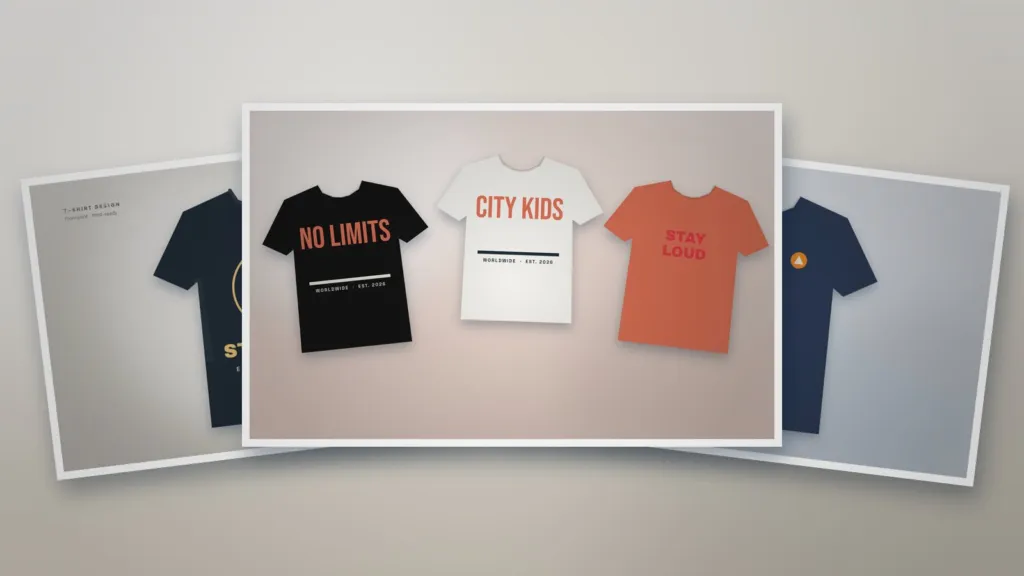
Our Outdoor T-Shirt Design Template and Streetwear Print Collection are prepared as vector artwork with transparent backgrounds. Preview your designs with the T-Shirt Mockup Scene before you publish.
Templates for this article
View all

About the Author
Templateza TeamWe share practical tips, design guides and resources to help you create professional templates for business, print and digital use.